
Mark Smith
· 2 min read
AI Integration: A Career Guide
👉🏽 Understand capabilities of AI in your field Begin by familiarising yourself with thepotential and limitations of AIs specific to your industry. Learn about the...
This post was originally published in 2024. Some details may have changed since then.
Want to super charge your skill-set with AI 🚀 but not sure where
to start?
Here are actionable steps to get you started:
👉🏽 Understand capabilities of AI in your field Begin by familiarising yourself with thepotential and limitations of AIs specific to your industry. Learn about the latest AI trends, tools, and applications that are reshaping your professional landscape. Not sure what they are? Ask ChatGPT to give examples.
👉🏽 Identify AI applications in your role
Look for opportunities within your current role where AI can enhance efficiency or innovation. This could involve anything from leveraging AI for data analysis to implementing chatbots for customer service.
👉🏽 Collaborate with AI experts
If you're new to AI, seek out expertise. Collaborate with AI professionals or consultants who can provide insights on effectively integrating AI into your work processes.
👉🏽 Implement and experiment
Start by integrating AI tools that boost your productivity or enhance decision-making. Experiment with different technologies to discover what best aligns with your professional needs.
👉🏽 If you build with tech, acquire AI-related skills
Depending on your job, this could range from basic digital literacy to more advanced competencies like data analysis, machine learning, or AI programming. Leverage the wealth of online courses and certifications available to build these skills.
The best way to master AI is by practical application in your role.
Prompting each day. Building that muscle.
What do you think?
Get in touch to find out how I can help.

Mark Smith
Principal AI Counsel · Microsoft AI MVP
Helping people build practical AI skill in the Intelligence Age.
More from nz365guy

What if every marae hosted a piece of the cloud?
A thought experiment in Māori data sovereignty: locally owned micro data centres that return skills, resilience, and a dividend to marae.
An Azure photogrammetry pipeline for less than two coffees
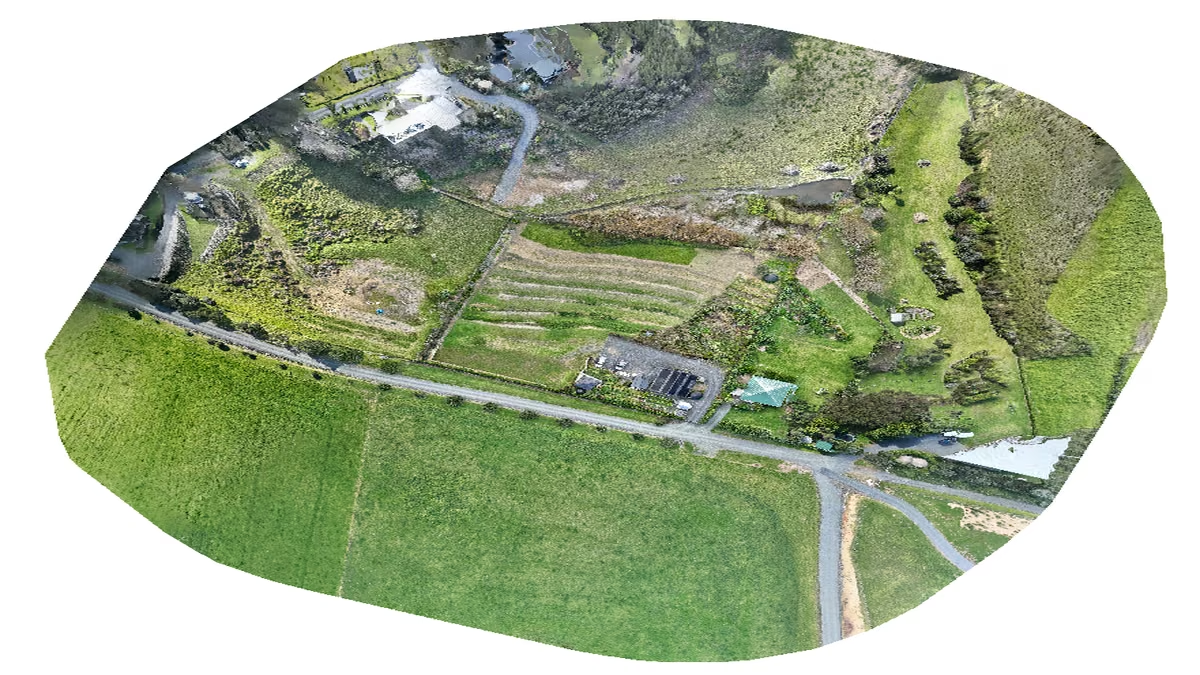
Phase 2 of my property digital twin turns 743 drone photos into maps and models on an Azure VM that exists as billable compute for about four hours a month.

AI checks every mission file before my drone flies
My consumer Mavic 3 has no SDK, so repeatable survey flights depend on mission files. An AI inspection caught unsafe defaults and a 22.88-metre altitude error before...
Discussion
Comments
Loading the discussion for this post.
Leave a comment
Your email stays private. If it matches a Gravatar account, your public avatar can appear after the comment is approved.