
Mark Smith
· 13 min read
Hardening OpenCLAW on Azure after a live audit
A live audit of my OpenCLAW Azure VM found two critical gaps: no Azure-native VM backup and no Azure Monitor Agent. Here is what I fixed, what it cost, and what is...

I wrote most of this after an audit in April 2026 and sat on it. I am publishing it now, in June, with a "two months on" update at the end that reports on what has changed since.
Key takeaway
- A Blob tarball and a GitHub config mirror are not the same as VM-level backup
- Azure Backup, Azure Monitor Agent, Log Analytics, and four alert rules closed the biggest durability and observability gaps for about NZD 23 a month
- The remaining gap is the hard one: the disaster-recovery runbook exists, but the live restore drill still needs to prove it
If you are running a side project, personal workload, or one-person company on a single Azure VM, this post is for you. Especially if, like me until recently, you have been quietly assuming that a nightly tarball to Blob Storage and a GitHub config mirror are "good enough" for backup.
They are not. Here is what I found when I looked properly, and what I did about it.
The context: one VM, a lot of moving parts#
OpenCLAW is the AI agent platform I have been building on Microsoft Azure. Twenty-five named agents, a CRM (Matua), a health-monitoring system (Ruru), a Wiki, an OKR tracker, and a Model Context Protocol (MCP) gateway: the whole thing runs inside one systemd process tree on a single Standard_B2ms VM in Azure NZ North. Eight gigabytes of RAM, a 64 GB Premium_LRS OS disk, Tailscale Funnel for ingress, no availability zone, no paired region, no warm standby.
That sounds like a lot to hang on one box, and it is. But it works. Day to day the VM is stable: thirteen days uptime when I audited it, healthy load, ample CPU and memory headroom, chrony locked to Azure's PHC at microsecond offsets. The stack starts, the gateway is reachable, and I had been happily iterating on it for months.
What I had not done, until that audit, was ask the harder question: what happens if this VM does not exist tomorrow morning?
The audit#
I had Claude do a full architecture, VM, and stability audit against the live system. Not a review of my notes or a scan of my config files, but an actual live-state sweep: running commands against the running machine and reading the output. Thirty-one findings came out, 2 Critical, 11 High, 13 Medium, and 5 Low.
The two Criticals stopped me cold.
AVS-01: No VM-level backup. The /var/lib/waagent/ directory on my VM contained only two extensions, RunCommandLinux and VMAccessForLinux. There was no VMSnapshotLinux extension, which is the one Azure Backup installs when it is actually protecting a VM. I had a daily tarball going to Blob Storage via a SAS URL and I thought that was Azure Backup. It is not. That tarball is 1.7 MB of config and memory; it does not capture the running OS, installed apt packages, Python pip packages, node_modules trees, ChromaDB vector blobs, SQLite WAL state, or the systemd units on disk. If the VM died, a full rebuild would take days and be lossy.
AVS-06: No Azure Monitor Agent. No Log Analytics workspace, no Data Collection Rule, no central log store, no VM Insights dashboard, no heartbeat alert, no platform metrics alerts. If the gateway crashed at 3am, I would not know until I checked manually in the morning. There was no watchdog outside the VM itself.
Those two findings, together, describe a platform with no durability story and no observability story. I had been flying blind and not realising it.
What I did that afternoon#
Three deployments, three closed findings, one still-open item to come back to.
1. Azure Backup, properly this time#
I created a Recovery Services Vault in the same resource group as the VM, with an Enhanced backup policy running daily at 06:00 NZST (timed to fire after my existing Blob tarball, so I have both) and a 30-day retention window.
The first surprise: I asked for GRS with Cross Region Restore because I wanted the backup replicated out of NZ North. It turns out GRS was not offered in NZ North at the time, the region only supported LRS for Recovery Services Vaults. So I accepted LRS and noted it as a known limitation. LRS is three copies in the same region, good enough for hardware-failure protection, not for region failure. If NZ North goes, my backups go with it. Something to revisit when GRS lands here.
The second surprise: the VMSnapshotLinux extension does not install immediately when you enrol the VM. It installs when the first backup job actually runs. So my extension list looked unchanged right after I finished the portal clicks, and I had to remind myself that the first snapshot happens at 06:00 the next morning and the agent arrives with it. (It did. More on that in the update below.)
Estimated cost at the time: roughly 20 NZD a month for a VM of that size with LRS backup storage and 30 days of retention.
2. Azure Monitor Agent and Log Analytics#
I created a Log Analytics workspace (Pay-as-you-go pricing with a 1 GB per day cap) and a Data Collection Rule that pulls:
- Performance counters (CPU, Memory, Disk, Network) at 60-second intervals
- Linux syslog at WARNING level and above across all facilities
Then I attached the DCR to my VM, which installed AzureMonitorLinuxAgent-1.41.0 automatically. Thirty minutes later I could run KQL against it:
Perf
| where ObjectName == "Logical Disk" and CounterName == "% Used Space"
| where InstanceName == "/"
| summarize avg(CounterValue) by bin(TimeGenerated, 5m), Computer
Six data points at 5-minute intervals, disk utilisation tracking to within 0.2% of what df -h shows on the VM. The pipeline works.
A subtle one for anyone else setting this up: if you configure AMA with basic performance counters through the DCR UI, data lands in the Perf table, not InsightsMetrics. InsightsMetrics is populated by the heavier VM Insights offering, which I deliberately skipped because I do not need the process-level detail yet. This bit me briefly when I was writing my disk alert and copied a KQL query that targeted the wrong table: zero rows back, and I briefly thought AMA was broken. Check the table first.
Expected Log Analytics cost: 0 NZD under the 5 GB per month free tier, with my daily cap as a circuit breaker.
3. Alerting: four rules, one action group#
An action group routes alerts to my email. Four rules attached to it:
| Rule | Type | Threshold | Severity |
|---|---|---|---|
| Percentage CPU high | Metric | > 85% | 3 (Informational) |
| Available Memory low | Metric | < 0.5 GB | 3 (Informational) |
| VM Availability | Metric | < 1 | 3 (Informational) |
| OS Disk free low | Log-search | < 15% | 3 (Informational) |
The VM Availability alert is the most important one. It is a heartbeat check against the Azure fabric itself, so if the VM loses its host, is deallocated, or has its platform connection drop, I get an email within five minutes. That is the watchdog I did not have before.
The disk-free rule had to be a custom log-search alert rather than a platform metric, because Azure's built-in recommended alerts only cover OS Disk IOPS, not OS Disk free space. Disk-fill alerts have to come from the agent, which is why AMA matters even if you think you only care about backup.
I set all four rules to Severity 3 (Informational) rather than Warning or Critical. At the time, 15% disk free still left me about 9 GB of headroom and several days of runway. Calling that "Warning" cheapens the word. Better to reserve the higher severities for the rules I would add later when I had earned the right to use them: a disk-fill alert at 5% free, say, or a gateway-down alert that actually requires me to put the laptop away and respond.
Alerting cost: about 3 NZD a month, mostly the one log-search rule.
What it cost, and what it is worth#
Total new recurring spend at the time: roughly 23 NZD a month.
Breaking that down:
- Azure Backup (vault and LRS storage for 30 days of a 40 GB-used VM): around 20 NZD
- Log Analytics ingestion (expected under 5 GB per month, free tier): around 0 NZD
- Metric alert evaluation (three rules): around 0.50 NZD
- Log-search alert evaluation (one rule, 5-minute cadence): around 2.55 NZD
That figure has crept up a little since, for the reason I cover in the update below, but the shape of it is the same.
Worth it? Here is my answer: the dollar figure does not really matter. What matters is that I can now recover from a VM loss without rebuilding from scratch, and I will know within five minutes if the platform stops responding. Before that audit, neither of those things was true.
If you have a side project or solo business running on a single VM and you are not paying roughly this amount for backup and monitoring, you are getting away with something, until you are not.
The one thing I had not done yet#
Untested backups are not backups. They are a hope.
When I first wrote this, I had scheduled a restore drill inside 30 days: pick a day, restore the VM to a clean resource group, bring up a test instance, confirm the stack starts. Time it, write it up as a runbook (DR-runbook.md in my config repo), and publish the target RTO and RPO.
If the restore fails the first time, which is realistic, that is the whole reason to drill. It is the thing you find out before you need it.
I said I would write it up when it was done, and say whether it worked first go. The update below is that progress check.
The broader lesson#
I have spent a fair bit of time over the last year thinking about AI agent architectures, model routing, agent persona design, and knowledge management. All of that is interesting. None of it matters if the VM underneath disappears overnight and I do not have the tools to either (a) know it is gone, or (b) get it back.
Three simple things, a Recovery Services Vault, AMA with Log Analytics, and four alert rules, took me one focused afternoon and a step-by-step walk-through. They close a class of risk that every Azure workload, from a hobby site to a production system, is exposed to by default.
If you run anything on an Azure VM that you care about, check your extensions list right now:
sudo ls -1 /var/lib/waagent/ | grep Microsoft
If you do not see AzureMonitorLinuxAgent and VMSnapshotLinux in that output, you know what to do with your next afternoon.
Two months on (June 2026)#
I sat on this post for a couple of months before publishing it. In fairness to anyone taking notes, here is what has actually changed since that April afternoon, verified against the live VM rather than my memory of it.
The VM grew up. The platform outgrew the Standard_B2ms it started on, so I resized it to a Standard_B4as_v2: four vCPUs and 16 GB of RAM instead of two and eight, with the OS disk roughly doubled. Day-to-day headroom is much healthier, and the Azure Backup and monitoring I set up in April carried across the resize without any rework. That is one of the quiet benefits of doing the durability work first: the platform underneath can change and the safety net stays attached. (It is also why the backup line on the bill is a little higher now, there is simply more disk to protect.)
The OS moved to 24.04, and that exposed a gotcha worth knowing. I did an in-place upgrade from Ubuntu 22.04 to 24.04 LTS, mostly for the longer support runway. Here is the catch: the Azure instance metadata service (IMDS) still reports the original 22.04 image reference, even though the running OS is genuinely 24.04. The image reference is fixed at first deployment and does not follow an in-place upgrade. Why does that matter for a post about backup? Because a backup restore captures the disk as it actually is, so a restore brings back 24.04. A fresh redeploy from the marketplace image, on the other hand, would ship 22.04. If you ever rebuild from an image rather than from a snapshot, choose the OS version explicitly and do not trust the metadata field. Check yours with:
SCHEME=http
IMDS_HOST=169.254.169.254
curl -s -H "Metadata:true" "${SCHEME}://${IMDS_HOST}/metadata/instance/compute?api-version=2021-12-13&format=json" | grep -o '"sku":"[^"]*"'
Ubuntu Pro is attached now. It was on my list of High findings in April, and it is done: the VM is on the free personal Ubuntu Pro tier, with ESM-infra, ESM-apps, and Livepatch all enabled. That is kernel livepatching and extended security maintenance for the package set, at no cost for a personal subscription. For a single box running something I care about, it is an easy security win.
systemctl --failed is clean. The dead and failing units I grumbled about at the end of the April draft are gone. The list is empty. A small thing, but a clean failed-unit list is the baseline my restore checklist now measures against, so it was worth tidying.
The runbook exists. Remember the cliffhanger, the restore drill I promised within 30 days? There are two parts to the answer.
The good part: I wrote the disaster-recovery runbook. It is a real document now, with declared objectives (a recovery-time target of four hours and a recovery-point target of 24 hours, anchored to the daily 06:00 snapshot), six named failure scenarios from disk corruption to a fat-fingered rm -rf, a service-level restore path for when only one component is broken, and a break-glass list of everything I would need that does not live on the VM itself.
The 30-day drill deadline came and went, and I still have not run a live end-to-end restore. The runbook is written; it is not yet proven. By my own definition from the section above, that means I still do not have a tested backup. I have a documented plan and a hope.
OpenCLAW now runs on a single Standard_B4as_v2 VM in Azure NZ North, resized from a B2ms since this was first written. All of the remediation above was done through the Azure Portal step by step, with live verification from the VM side between each step. Next up: actually running the restore drill, and closing the rest of the High findings from that April audit. More to come.
Mark Smith is Principal AI Strategist at Cloverbase. To discuss this article or work with me, contact me at Cloverbase.

Mark Smith
Principal AI Counsel · Microsoft AI MVP
Helping people build practical AI skill in the Intelligence Age.
More from nz365guy
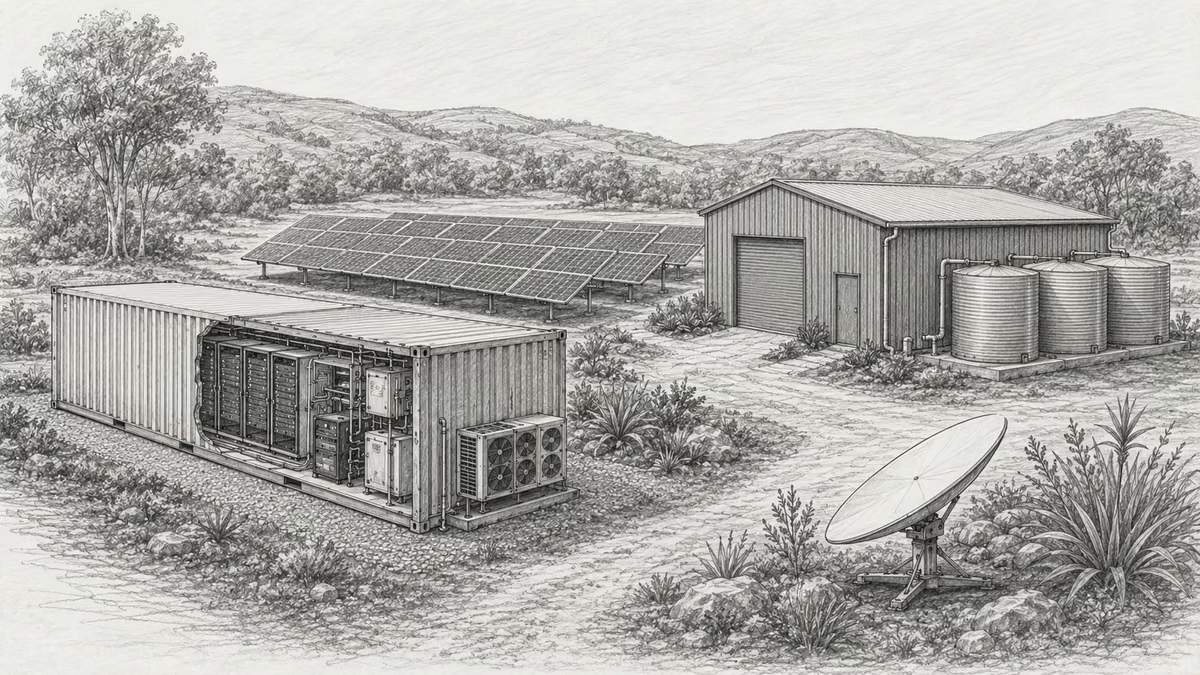
What if every marae hosted a piece of the cloud?
A thought experiment in Māori data sovereignty: locally owned micro data centres that return skills, resilience, and a dividend to marae.
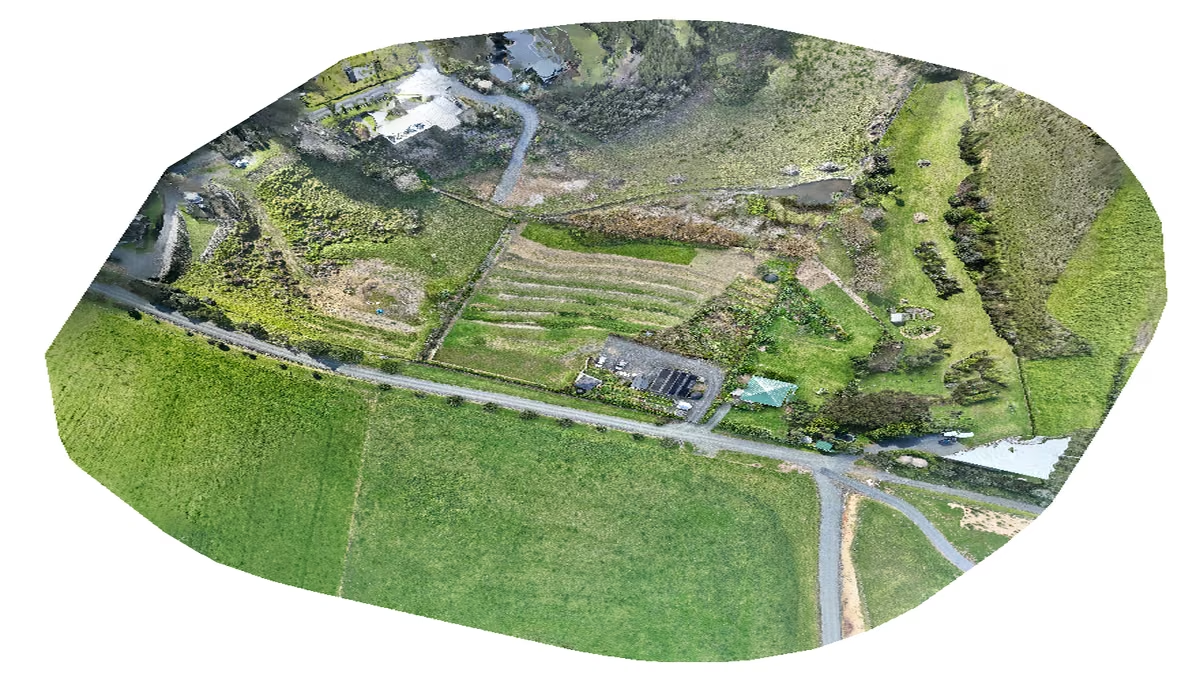
An Azure photogrammetry pipeline for less than two coffees
Phase 2 of my property digital twin turns 743 drone photos into maps and models on an Azure VM that exists as billable compute for about four hours a month.
AI checks every mission file before my drone flies
My consumer Mavic 3 has no SDK, so repeatable survey flights depend on mission files. An AI inspection caught unsafe defaults and a 22.88-metre altitude error before...
Discussion
Comments
Loading the discussion for this post.
Leave a comment
Your email stays private. If it matches a Gravatar account, your public avatar can appear after the comment is approved.