
Mark Smith
· 2 min read
Microsoft Power Platform and the Things You Can Create with It
1\. Data Entry Forms: Create custom forms for data entry. Users can input data and store it in a database.

This post was originally published in 2023. Some details may have changed since then.
Why use the Microsoft Power Platform?
Unlock business value without needing advanced coding.
Here are 7 things you can make with Power Apps: 👇🏽
Some ideas to get you started….
1. Data Entry Forms:
Create custom forms for data entry. Users can input data and store it in a database.
2. Workflows:
Automate workflows - such as sending email notifications, updating records, or creating new records in response to specific events.
3. Dashboards:
Create interactive dashboards that display real-time data from various sources, providing insights to help drive decision-making.
4. Mobile Apps:
Create mobile apps that work across different devices and platforms, allowing users to access and interact with data from anywhere.
5. Custom APIs:
Create custom APIs that allow different systems to interact with each other, making it easier to integrate different data sources and systems. Unlock data from any system of record; SAP, Maximo, Oracle, Peoplesoft, Salesforce, ServiceNow, etc.
6. Chatbots:
Create chatbots that can interact with users to provide information or perform tasks, from inside Teams.
7. Business Process Automation:
Automate repetitive tasks and workflows, streamlining business processes and increasing productivity.
The Power Platform is a powerful & versatile tool that can be used to create a wide range of custom apps to meet your business needs.
This is just scratching the surface too.
What have I missed?
What’s your favourite thing to use the Power for?

Mark Smith
Principal AI Counsel · Microsoft AI MVP
Helping people build practical AI skill in the Intelligence Age.
More from nz365guy
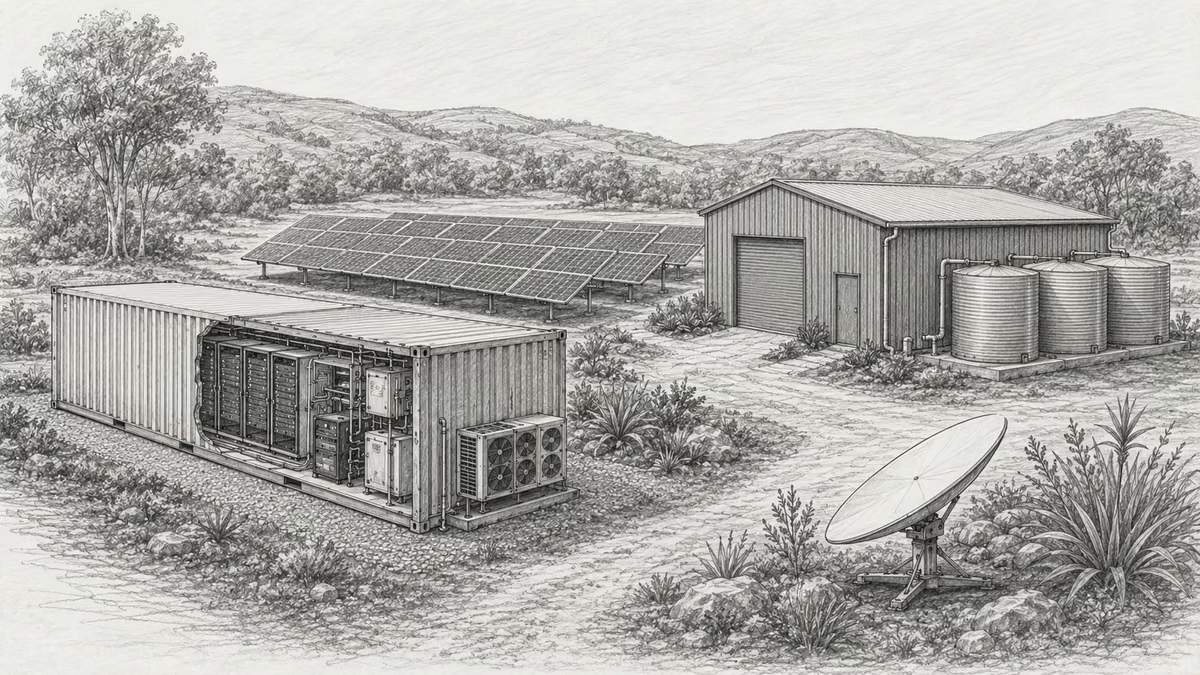
What if every marae hosted a piece of the cloud?
A thought experiment in Māori data sovereignty: locally owned micro data centres that return skills, resilience, and a dividend to marae.
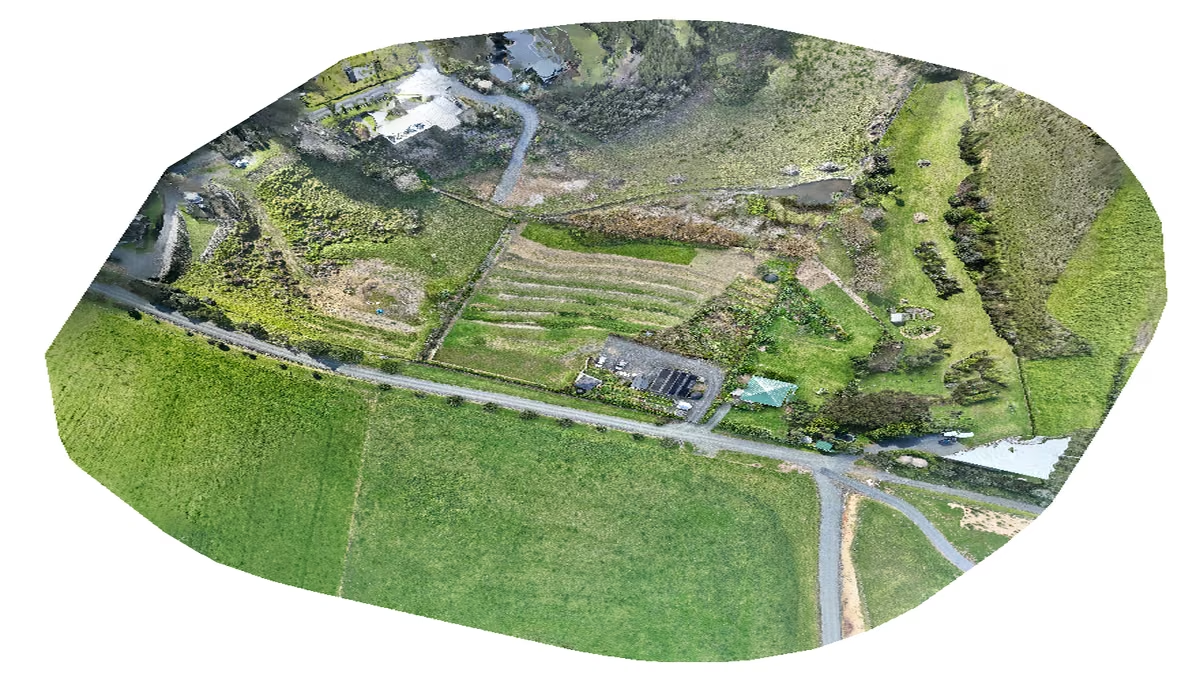
An Azure photogrammetry pipeline for less than two coffees
Phase 2 of my property digital twin turns 743 drone photos into maps and models on an Azure VM that exists as billable compute for about four hours a month.
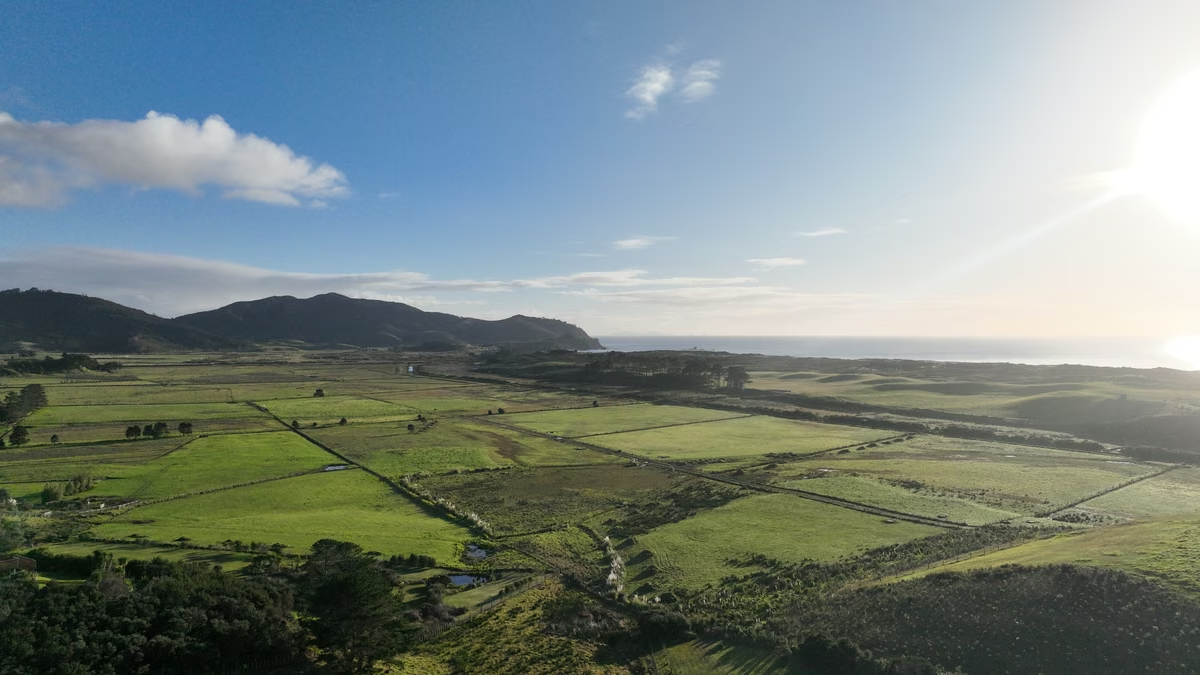
AI checks every mission file before my drone flies
My consumer Mavic 3 has no SDK, so repeatable survey flights depend on mission files. An AI inspection caught unsafe defaults and a 22.88-metre altitude error before...
Discussion
Comments
Loading the discussion for this post.
Leave a comment
Your email stays private. If it matches a Gravatar account, your public avatar can appear after the comment is approved.