
Mark Smith
· 2 min read
How to use AI for industry research
Unlocking the full potential of AI tools can transform how consultants prepare for client engagements across new industries.
This post was originally published in 2024. Some details may have changed since then.
Unlocking the full potential of AI tools can transform how consultants prepare for client engagements across new industries.
Here's a quick guide to using AI to gain industry insights quickly and efficiently:
✅ Define your research objective
Start by clarifying why you're gathering industry insights. Understanding your end goal is crucial, whether for a bid response, a demo, or a pitch.
✅ Craft your AI prompts
Identify the key areas you need insights on within your target industry, such as market trends, competitors, and regulatory challenges. Tailor your prompts to be specific to the industry and region.
✅ Engage with AI for research
Utilise AI tools by submitting your crafted prompts. Let the AI delve into the industry, gathering comprehensive overviews, identifying key players, and outlining current challenges and trends.
✅ Analyse AI-generated insights
Go through the information from AI carefully. Pick out the most important details that match your goals and combine them to get a clear picture of what the industry looks like.
✅ Apply insights
Use the insights to develop informed conversation starters, tailor your proposal or demo, and demonstrate a deep understanding of the client's industry.
By following these steps, consultants can quickly get up to speed on any industry, ensuring their client engagements are informed, relevant, and impactful.
Are you currently using AI for industry research?
Get in touch to find out how I can help.

Mark Smith
Principal AI Counsel · Microsoft AI MVP
Helping people build practical AI skill in the Intelligence Age.
More from nz365guy
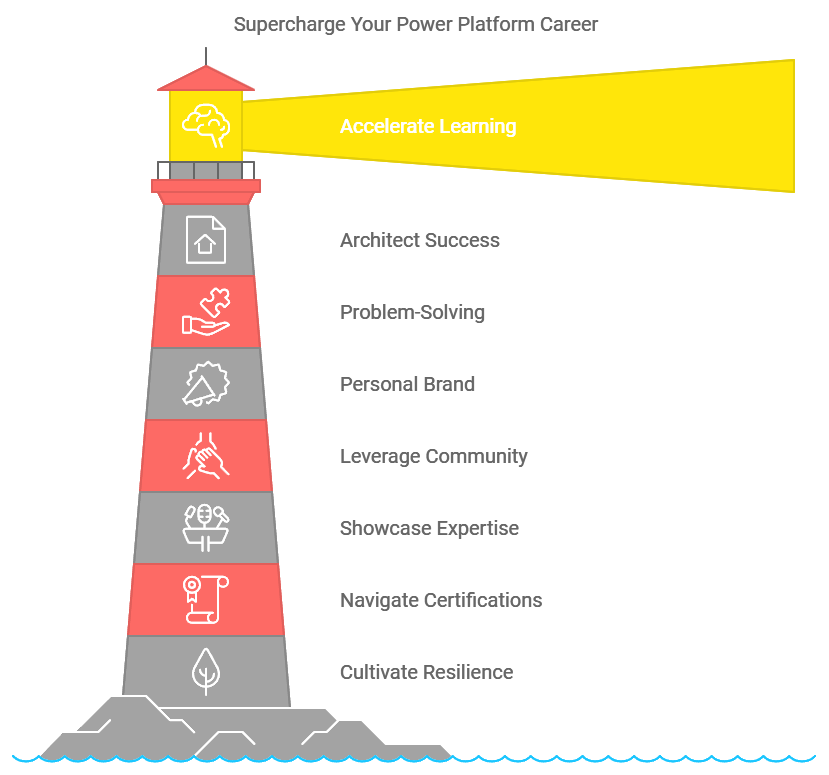
Supercharge Your Power Platform Career: 10 Game-Changing Strategies
The following is a list of additional resources relating to my presentation “ Supercharge Your Power Platform Career: 10 Game-Changing Strategies ”
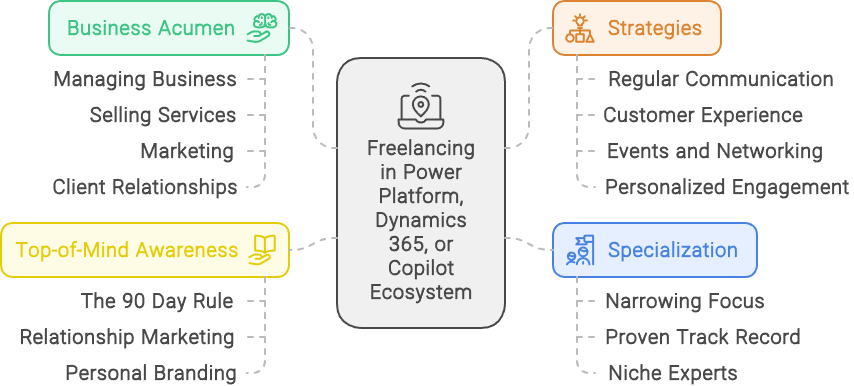
1. Getting Started with Freelancing
1. Getting Started with Freelancing (this post) 2. Rates, costing and allocations 3. Time Management and Project Allocation 4. Contracts, Legal Considerations, and...

Maximize ROI at Conferences: Strategic Tips for Success
Attending a conference can be a significant investment—both financially and in terms of your time. With the costs of tickets, transportation, accommodations, and the...
Discussion
Comments
Loading the discussion for this post.
Leave a comment
Your email stays private. If it matches a Gravatar account, your public avatar can appear after the comment is approved.