
Mark Smith
· 1 min read
Enhancing Governance with Power Platform
In the evolving landscape of Power Platform governance, two pivotal tools stand out: 👉 Managed Environments 👉 Center of Excellence (CoE) Starter Kit.
This post was originally published in 2024. Some details may have changed since then.
In the evolving landscape of Power Platform governance, two pivotal tools stand out:
👉 Managed Environments
👉 Center of Excellence (CoE) Starter Kit.
Each serves a unique role in simplifying governance, yet together, they form an unbeatable governance framework.
Managed Environments are designed to ease the administrative burden. They offer a suite of features directly managed and updated by Microsoft, ensuring your governance strategy is always aligned with the latest Power Platform developments.
The CoE Starter Kit, on the other hand, is a community-driven blueprint that extends governance capabilities, filling any gaps left by Managed Environments. It's adaptable and evolves with community input but requires regular updates and engagement through GitHub.
The synergy between these tools leads to a comprehensive governance model.
Start with Managed Environments for a strong, automated governance foundation, then integrate the CoE Starter Kit for customisable, detailed governance needs.
Adopting a hybrid approach ensures robust, flexible governance, balancing automated, in-product features with customisable, community-supported enhancements.
This strategy empowers organisations to tailor their governance framework to their specific needs, promoting a well-managed and compliant Power Platform environment.
Get in touch to find out how I can help.

Mark Smith
Principal AI Counsel · Microsoft AI MVP
Helping people build practical AI skill in the Intelligence Age.
More from nz365guy
Supercharge Your Power Platform Career: 10 Game-Changing Strategies
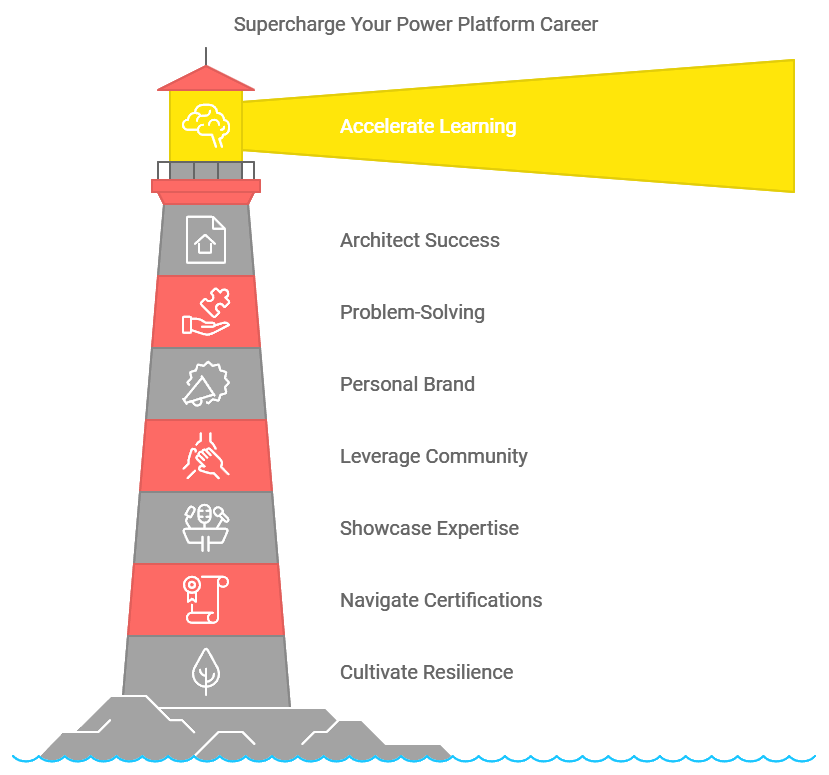
The following is a list of additional resources relating to my presentation “ Supercharge Your Power Platform Career: 10 Game-Changing Strategies ”
1. Getting Started with Freelancing
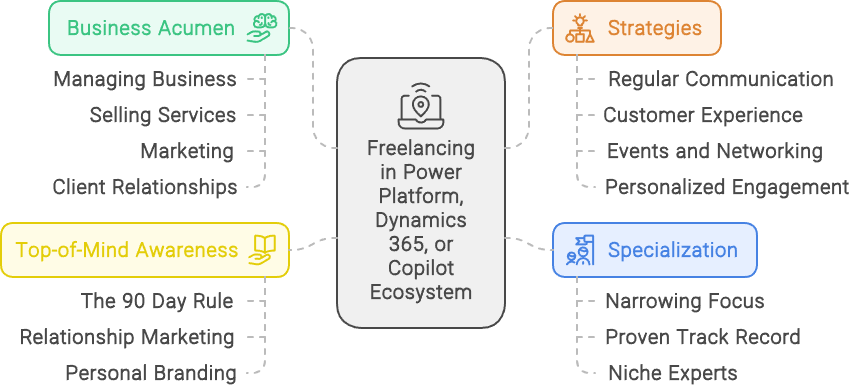
1. Getting Started with Freelancing (this post) 2. Rates, costing and allocations 3. Time Management and Project Allocation 4. Contracts, Legal Considerations, and...
Maximize ROI at Conferences: Strategic Tips for Success
Attending a conference can be a significant investment—both financially and in terms of your time. With the costs of tickets, transportation, accommodations, and the...
Discussion
Comments
Loading the discussion for this post.
Leave a comment
Your email stays private. If it matches a Gravatar account, your public avatar can appear after the comment is approved.