
Mark Smith
· 2 min read
4 Expert Tips to Optimize Your Digital Transformation Journey
1\. Seek AI and automation features. Most CIOs and IT professionals (87%) believe these capabilities maximise low-code benefits. Embedded AI and automation can...

This post was originally published in 2023. Some details may have changed since then.
4 tips when adopting low-code tech:
1. Seek AI and automation features.
Most CIOs and IT professionals (87%) believe these capabilities maximise low-code benefits. Embedded AI and automation can improve efficiency, reduce manual tasks, and enhance decision-making. Choose a tool with these features to optimise your low-code investment.
2. Assess low-code tools for fit.
Evaluate popular options to find your organisation's ideal match. Make sure that it matches your goals, and can adapt to your evolving needs. Review features, scalability, and ease of use to ensure alignment.
3. Modernise legacy apps, close gaps.
Look for how you can accelerate the modernization of outdated applications through the flexibility and speed of low code. This can help meet customer demands and stay competitive. It can also help you combat developer shortages and speed up development.
4. Centralise data and reduce duplication.
Understand how you can create a ‘single source of truth.’ This will allow you to gain better (and faster) data insights to make more informed decisions. Your chosen platform should simplify this process, centralise information, and minimise double handling across databases.
These are just some of the main ones.
Keen to hear your thoughts.
What else would you add as a tip when adopting low-code tech?
Get in touch to find out how I can help.

Mark Smith
Principal AI Counsel · Microsoft AI MVP
Helping people build practical AI skill in the Intelligence Age.
More from nz365guy
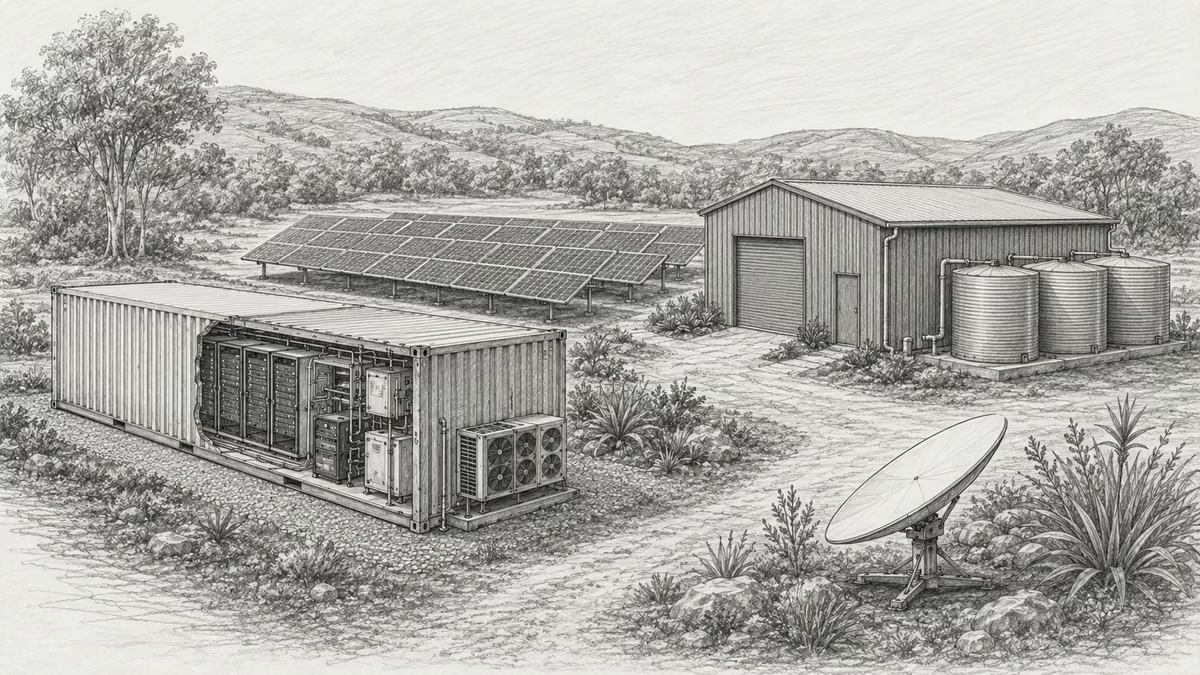
What if every marae hosted a piece of the cloud?
A thought experiment in Māori data sovereignty: locally owned micro data centres that return skills, resilience, and a dividend to marae.
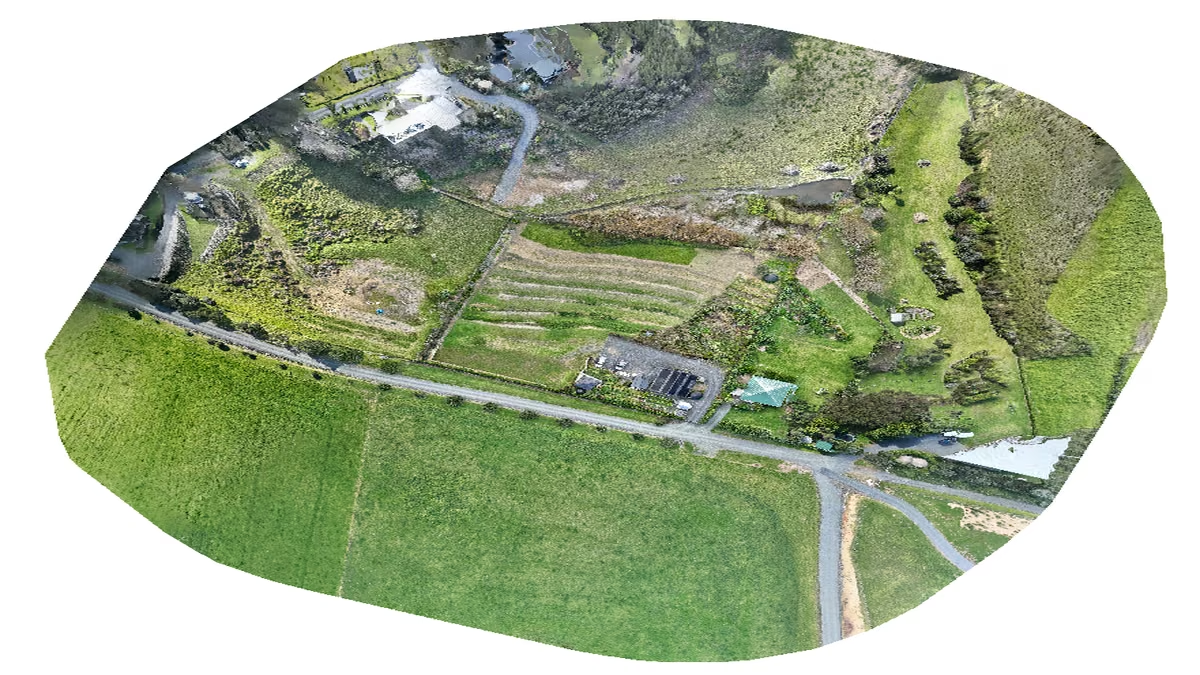
An Azure photogrammetry pipeline for less than two coffees
Phase 2 of my property digital twin turns 743 drone photos into maps and models on an Azure VM that exists as billable compute for about four hours a month.

AI checks every mission file before my drone flies
My consumer Mavic 3 has no SDK, so repeatable survey flights depend on mission files. An AI inspection caught unsafe defaults and a 22.88-metre altitude error before...
Discussion
Comments
Loading the discussion for this post.
Leave a comment
Your email stays private. If it matches a Gravatar account, your public avatar can appear after the comment is approved.